

BlinkOTP
Smart. Fast. Private.
BlinkOTP automatically finds verification codes from your Gmail and fills them instantly — no more switching tabs, opening your inbox, or manually copying codes.
01
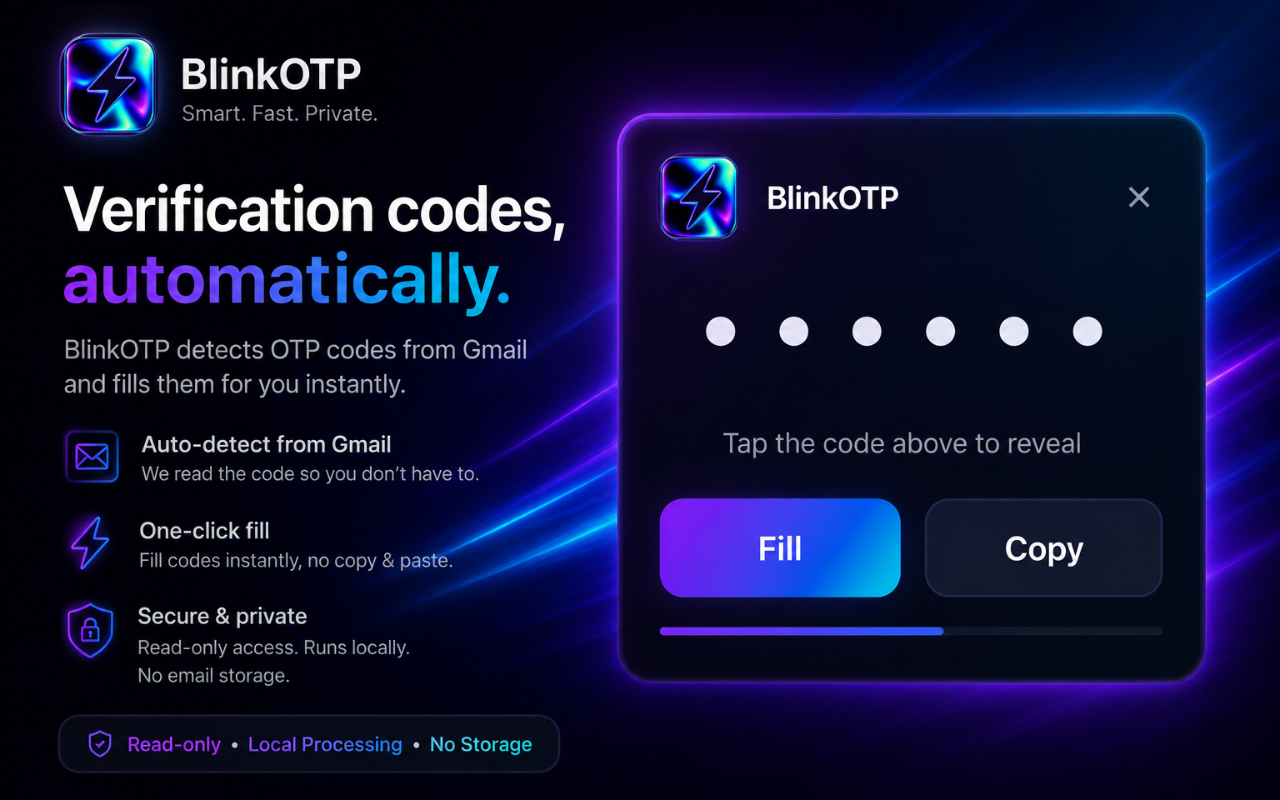
Verification codes, automatically
BlinkOTP detects OTP codes from Gmail and fills them instantly — secure, private, and local.
02
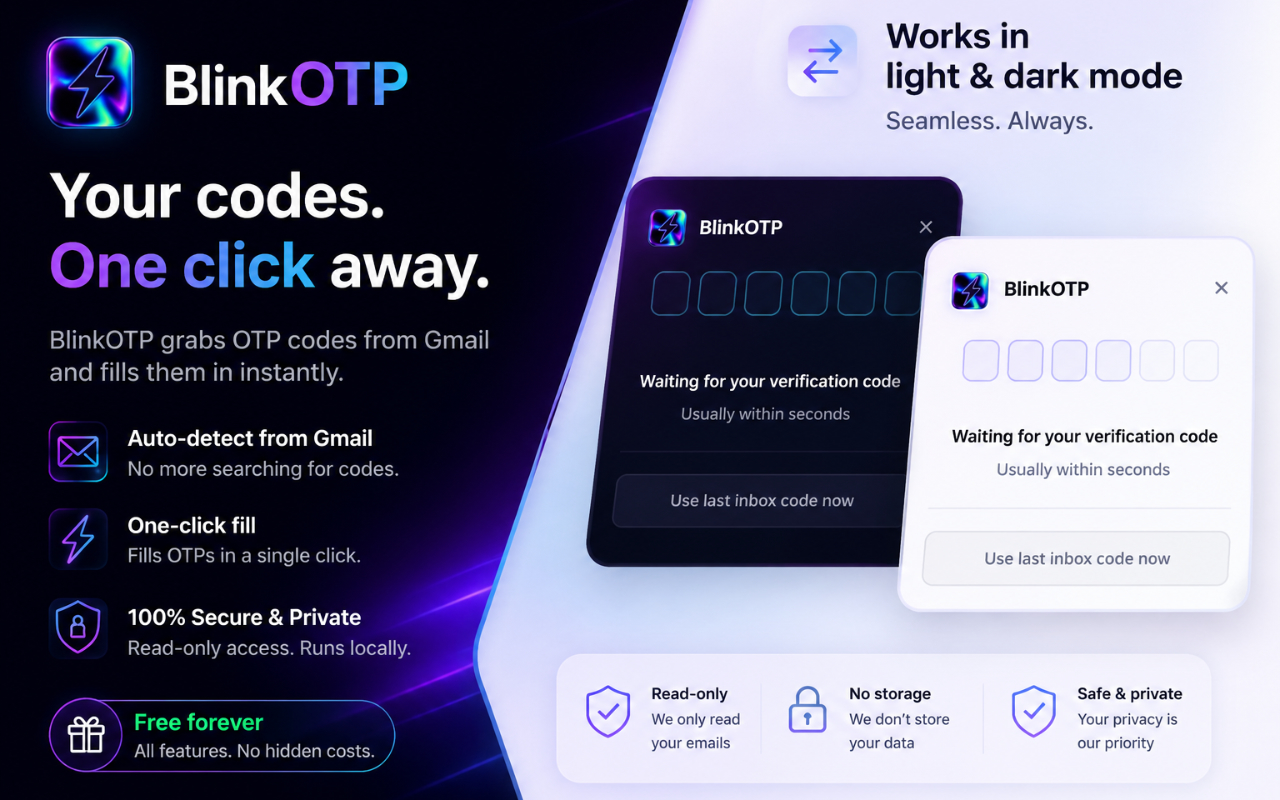
Your codes. One click away
Works in light and dark mode. Auto-detect, one-click fill, and free forever.
03
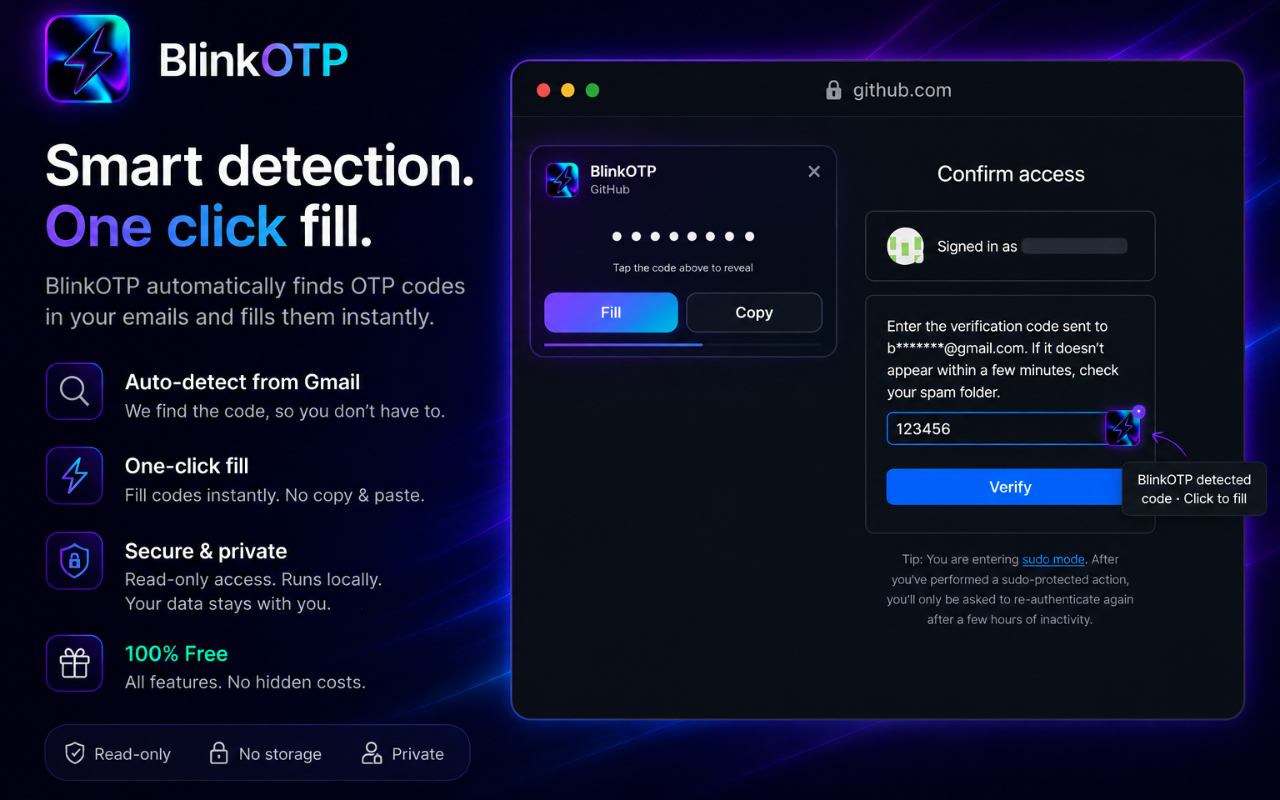
Smart detection. One-click fill
In-page detection on sites like GitHub — tap Fill or the lightning icon to autofill.
04
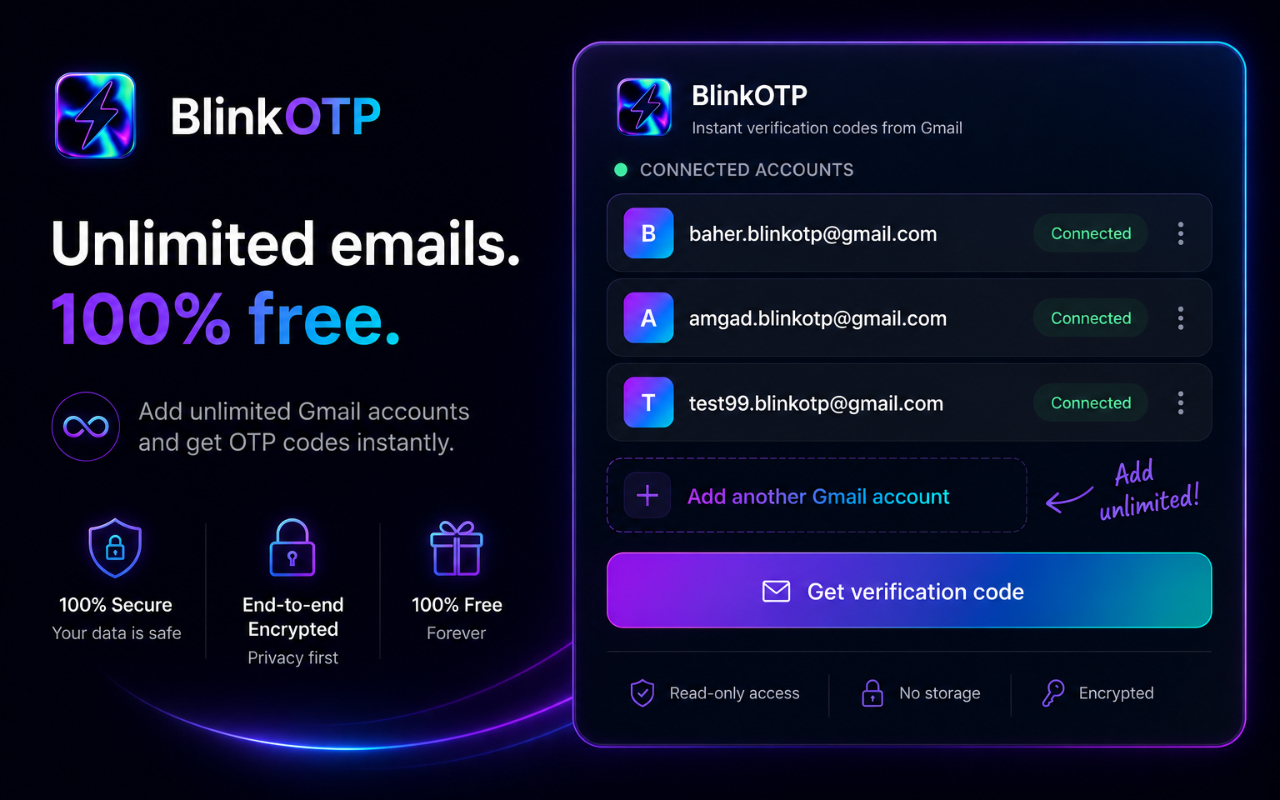
Unlimited emails. 100% free
Connect every Gmail account you need — no caps, no paywall for core features.
Features
Built for speed and privacy
Instant OTP detection
Codes are found in Gmail the moment they arrive — no searching your inbox.
One-click autofill
Fill verification fields instantly. No copy, paste, or tab switching.
Multiple Gmail accounts
Connect every inbox you use and switch between them without friction.
Unlimited connected accounts
Add as many Gmail accounts as you need — free, with no caps.
Read-only Gmail access
Only what’s needed to detect codes. No send, delete, or modify permissions.
Runs locally on your device
Processing stays on your machine. Built for privacy by default.
No email storage
We don’t keep your messages or codes on our servers.
Free to use
All core features included — no paywall for the essentials.
How it works
Four steps. Zero friction.
- 01
Connect your Gmail account
- 02
Receive verification emails normally
- 03
BlinkOTP detects OTP codes automatically
- 04
Fill your code instantly
- Read-only Gmail access
- Local processing
- No email storage
- Free forever
Ready in one click
Works on Chrome, Brave, Edge, Arc, and other Chromium browsers via the Chrome Web Store.
Store & legal
Chrome Web Store and similar platforms require public privacy, terms, and support pages on a verified domain. All links below are hosted on this site under this project.
- /projects/BlinkOTP/privacy/Privacy Policy
- /projects/BlinkOTP/terms/Terms of Service
- /projects/BlinkOTP/support/Support
- Privacy Policy (/privacy)
- Terms of Service (/terms)
- Support & contact (/support)
- Data collection disclosure, single-purpose use, no data selling, retention & deletion
- Support email, FAQ, and contact form link
- Domain verified via Google Search Console (brkmb.com)